Live Captions
Real-time captions for Mac system audio, your microphone, or both.
A new language is a doorway to a new world.
Read live bilingual captions from Mac system audio, your microphone, or both. Transcribe local audio and video files with speaker labels, review the text, and export it. Recognition and translation run on your Mac after resources are installed.
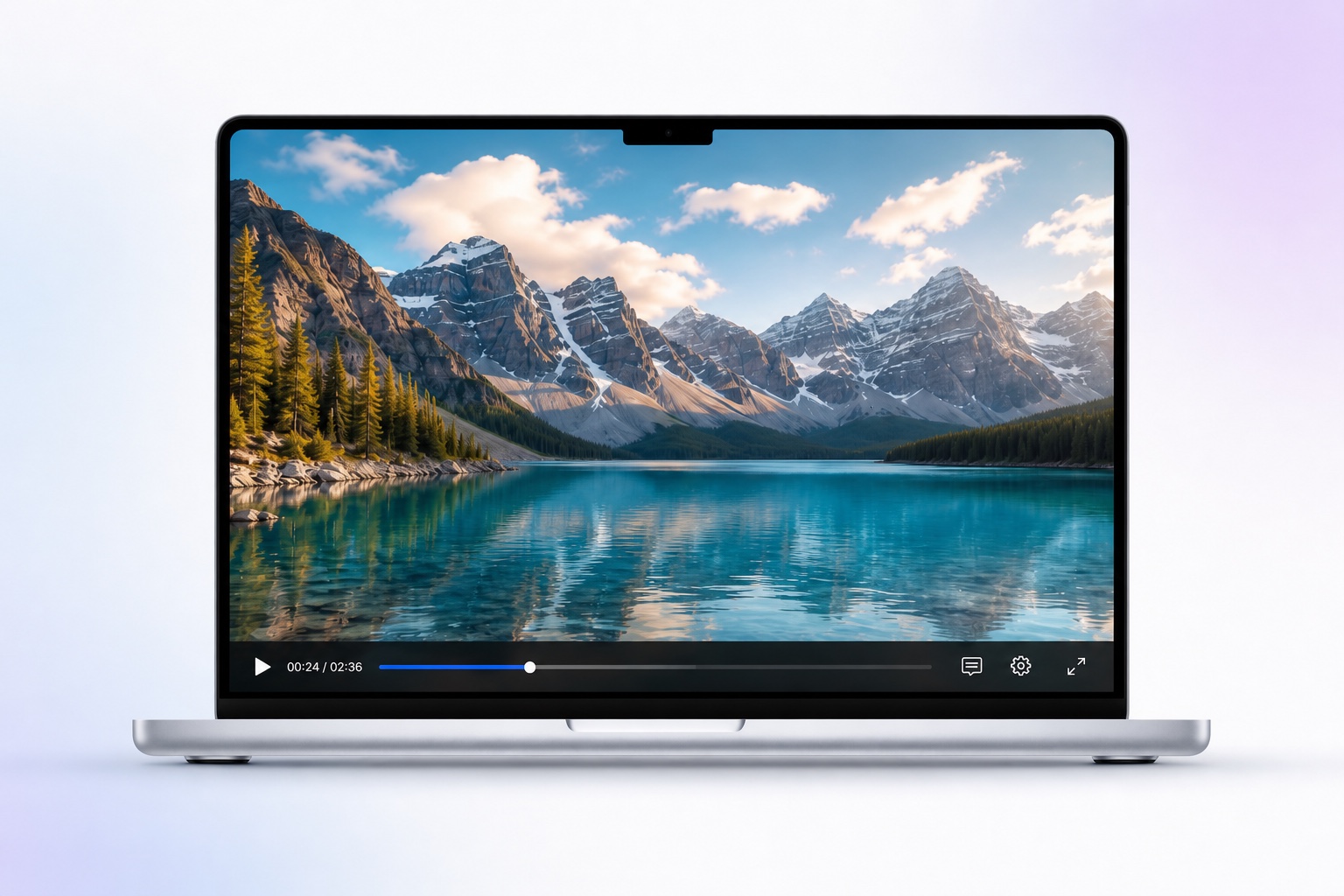
Real-time captions for Mac system audio, your microphone, or both.
Read each caption in the language you understand.
Move and resize the always-on-top bilingual window; use click-through to interact with the app beneath.
Import local audio or video, edit the transcript and translate it on your Mac after the required resources are installed.
Separate speakers in files, rename labels and replay the original with the current line highlighted; English also supports word highlighting.
Export SRT, VTT, TXT, Markdown, CSV or PDF. Add names and specialist terms with the custom dictionary and supported hot-word settings.
Alison Workspace is now available on the Mac App Store.
●Download on the Mac App StoremacOS 15+ · Apple siliconYes. After the required Apple language resources or local Whisper model are downloaded once, audio capture, recognition, and translation run on the Mac. Internet may be needed only for the first resource download.
简体中文 · 繁體中文 · 廣東話 · English · 日本語 · 한국어 · Français · Deutsch · Italiano · Português · Español · Русский · Türkçe · Polski · Català · Nederlands · العربية · Svenska · Bahasa Indonesia · हिन्दी · Suomi · Tiếng Việt · עברית · Українська · Ελληνικά · Bahasa Melayu · Čeština · Română · Dansk · Magyar · தமிழ் · Norsk · ไทย · اردو · Hrvatski · Български · Lietuvių · Latina · Māori · മലയാളം · Cymraeg · Slovenčina · తెలుగు · فارسی · Latviešu · বাংলা · Српски · Azərbaycanca · Slovenščina · ಕನ್ನಡ · Eesti · Македонски · Brezhoneg · Euskara · Íslenska · Հայերեն · नेपाली · Монгол · Bosanski · Қазақша · Shqip · Kiswahili · Galego · मराठी · ਪੰਜਾਬੀ · සිංහල · ខ្មែរ · ChiShona · Yorùbá · Soomaali · Afrikaans · Occitan · ქართული · Беларуская · Тоҷикӣ · سنڌي · ગુજરાતી · አማርኛ · ייִדיש · ລາວ · O‘zbek · Føroyskt · Kreyòl Ayisyen · پښتو · Türkmençe · Nynorsk · Malti · संस्कृतम् · Lëtzebuergesch · မြန်မာ · བོད་སྐད་ · Tagalog · Malagasy · অসমীয়া · Татарча · ʻŌlelo Hawaiʻi · Lingála · Hausa · Башҡортса · Basa Jawa · Basa Sunda
简体中文 · 繁體中文 · English · English (UK) · 日本語 · 한국어 · العربية · Deutsch · Español · Français · हिन्दी · Bahasa Indonesia · Italiano · Nederlands · Polski · Português · Русский · ไทย · Türkçe · Українська · Tiếng Việt
Recognition and translation are separate settings. Translation availability is checked against Apple Translation on the user’s Mac and may vary by macOS version, region, and installed language resources.
Caption ordinary Mac system audio, a selected microphone, or both. Protected playback and difficult room audio may behave differently.
Raw audio is not saved, and text history stays on your Mac until you delete it.
Yes. Choose microphone and system audio together for separate source labels and independent recognition and translation languages. Use headphones to reduce echo. This does not identify every remote speaker.
New users receive 120 minutes of live captions and 60 minutes of file transcription. Live time counts only while captions are produced; file allowance counts processed audio duration.
A one-time Pro Lifetime purchase is available alongside monthly and annual subscriptions. US reference prices are $4.99 monthly, $29.99 annually and $39.99 once. The App Store in your region shows the amount payable.
Alison creates editable transcripts and exports text, including Markdown. Summarization in a separate AI tool is your choice; sending text to a cloud tool changes where that text is processed.
macOS 15 or later on an Apple-silicon Mac (M1 or newer). Intel Macs are not supported.