
Chinese Video to English Subtitles on Mac While You Watch
A detailed Mac workflow for Chinese video to English subtitles Mac, including platform choices, language settings, permissions, privacy, and limits.
2026-09-27 · 9 min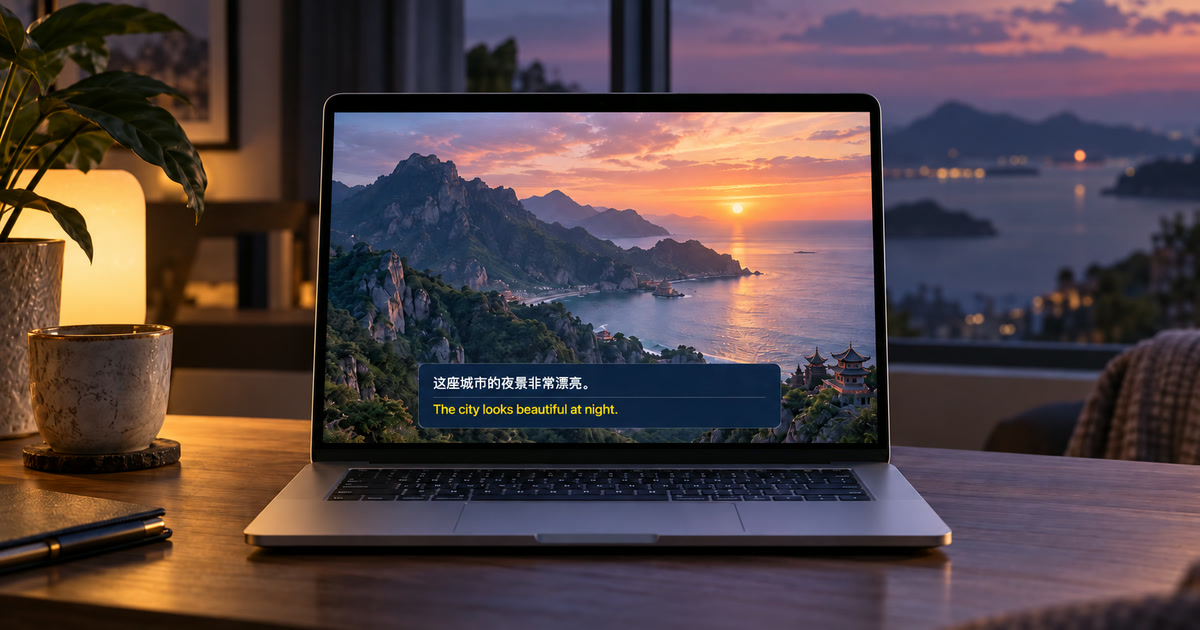
First establish whether the video already has an English track
For an uploaded video, check the player controls before running any extra tool. YouTube may offer creator captions, automatic captions in the video's default language, a translated option, or an alternate audio track. These are usually easier to follow than a personal overlay when they are present and accurate. But a Chinese video can have no English track, an unusable auto-caption track, or only a spoken Chinese soundtrack. In that case, the relevant workflow is to recognize the audio while it plays and display a personal English translation.
Clarify what this method does not translate
This article is about spoken Mandarin or other Chinese speech that reaches the Mac as ordinary playback audio. It does not read Chinese characters that appear silently in a slide, chat overlay, game interface, or subtitle burned into the picture; that is an OCR task. It also does not create an SRT file, change the YouTube captions menu, dub the video, or add an English subtitle track for other viewers. Keeping that distinction clear prevents the most common setup disappointment.
Set the right source language before judging accuracy
Choose the language the speaker is actually using, rather than the location of the channel or the language of the website. Mandarin, Cantonese, mixed Mandarin-English speech, and a video with multiple audio tracks need different checks. Then choose English as the translation target if the resources available on that Mac support the pair. Alison's catalog separates recognition choices from translation targets. Download selected language resources before you start a long video; availability can differ by macOS, region, and the Apple resources installed on the Mac.
Make the playback route predictable
Play the authorized video on the same Mac and grant the requested system-audio access. Test with the exact output device you plan to use: built-in speakers, wired headphones, AirPods, Bluetooth receiver, display audio, or dock. Close other videos, music, games, and notification sounds so one source dominates the caption feed. The current workflow reads accessible Mac playback rather than recording the sound from a microphone, so turning the volume up in the room is neither necessary nor a reliable test.
Use bilingual lines to verify difficult passages
For names, numbers, dates, addresses, product versions, and negative statements, leave the Chinese source line visible beside English. A translation that looks fluent can still be wrong if the recognizer heard a company name or number incorrectly. For example, a viewer should verify whether a speaker says a release is 'not available this month' rather than infer timing from a smooth English sentence. Pause and replay a recording when a detail matters; live translation is an aid to follow the story, not a reviewed subtitle release.
Account for video-specific sources of error
Talk shows, lectures, interviews, and tutorials give the best chance of clear single-speaker input. Music, clips mixed with narration, audience reactions, rapid editing, people speaking over each other, regional vocabulary, and Internet compression are harder. YouTube itself warns that automatic captions can be affected by accents, dialects, background noise, and overlap. A personal caption layer has the same basic reality: use it to improve comprehension, then verify important claims against the original video, written materials, or a human-reviewed transcript.
Keep the video and the text under your control
After resources are installed, Alison's supported recognition and translation process runs on the Mac. It does not save raw audio or screen frames; local text history stays until you delete it. An online video still uses the network required by its service. Respect the video's license, classroom rule, creator instructions, and any confidentiality obligation. Do not treat the personal on-screen translation as permission to redistribute the content, publish a transcript, or remove a platform restriction.
When the result is missing or poor
No Chinese source text: confirm the video is audible on the Mac, system-audio access is enabled, the correct output route is active, and a Chinese recognition resource is ready. Chinese text but no English: check the target selection and language download. If both lines are wrong, replay a clear section and recheck the spoken language; if only English is uncertain, retain the source line and consult context. A protected playback route may be unavailable. This is why testing one minute of the actual platform is part of the workflow.
Official sources checked September 27, 2026
YouTube Help — Use automatic captioning
Apple Support — Get captions of spoken and computer audio on Mac
Frequently asked questions
Does this change the platform's captions for everyone?
No. Alison is a personal floating caption layer for accessible Mac playback. It does not change the platform's caption track or send captions to other viewers.
Do I need a meeting bot, browser extension, or microphone permission?
No. The current playback workflow reads accessible audio already playing on the Mac; it does not join calls as a bot or use your outgoing microphone speech.
What Mac is required?
Use macOS 15 or later on an Apple-silicon Mac from M1. Intel Macs are not supported.
Can I trust every translated line?
No. Verify names, figures, dates, negative statements, and consequential information against the original audio and authoritative materials.
Does local processing mean I can ignore the source's rules?
No. Copyright, confidentiality, consent, recording, and platform rules still control what you may play, retain, or share.
What should I check first if captions do not appear?
Check audible Mac playback, system-audio permission, the selected output route, and readiness of recognition and translation resources.