
Resources
Tips, guides, and updates to help you get more from Alison Workspace.

No CC or a Desktop App? How to Choose Live Video Translation on Mac
On Mac, distinguish caption-track translation, AI subtitle generation and system-audio captions when a browser extension cannot handle your video or desktop app.
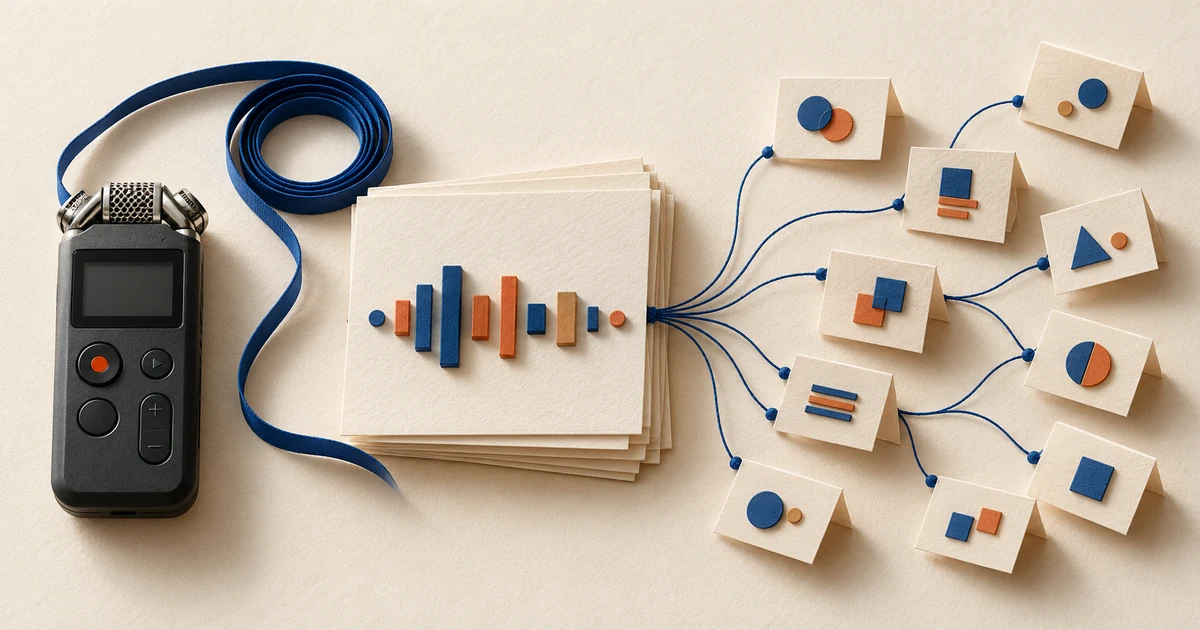
Audio to Markdown on Mac: Offline Transcription for Obsidian and an Optional AI Summary
Turn a permitted recording into a reviewed Markdown transcript on Mac, add it to Obsidian, and choose separately whether a local or cloud AI may summarize the text.
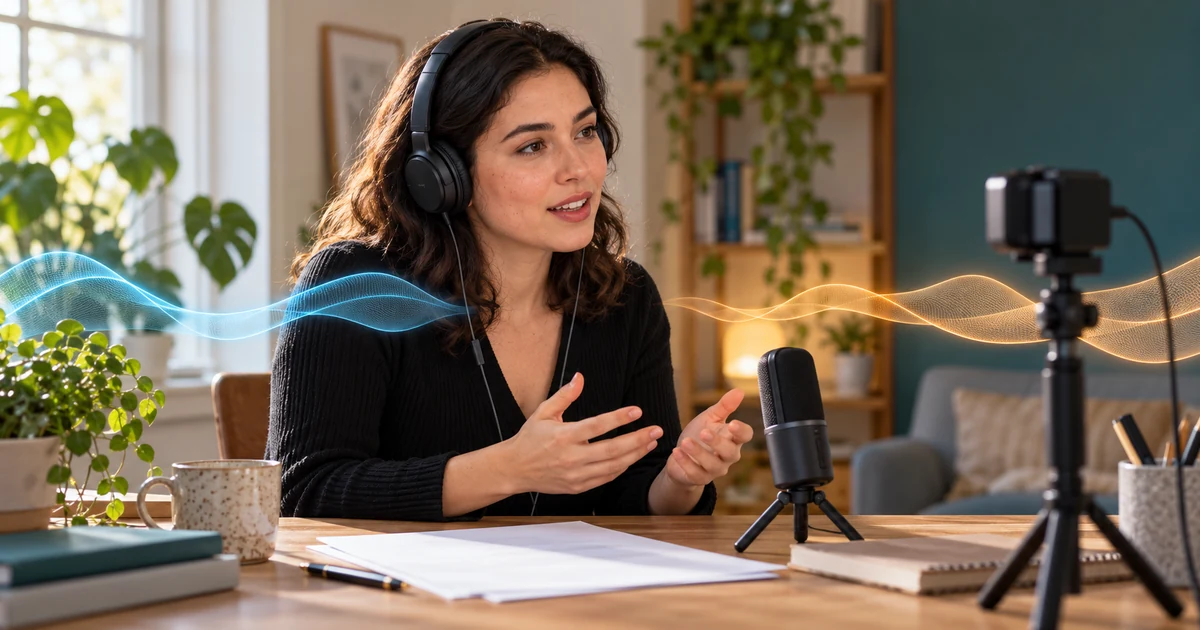
Live Bilingual Captions for a Remote Job Interview on Mac—Without a Meeting Bot
Prepare permitted caption assistance for an interview on Mac: test native captions, separate interviewer audio from your microphone, and review local text responsibly.

Offline Granola Alternative on Mac: Local Transcripts and Live Bilingual Captions
Need local transcription or live translated captions on Mac? Compare Granola’s cloud notes with Alison’s on-device captions, speaker-labelled files and export workflow.

Live Translated Subtitles for Canvas, Moodle and Kaltura Lectures on Mac
Find the actual lecture player and its captions first, then test permitted personal bilingual subtitles for university portal videos on your Mac.

Can You Get Chinese–English Captions for WeChat Calls on Mac?
Test personal Chinese–English captions for WeChat calls on Mac. Separate text translation from call audio, set the right inputs, and check real conversation details.

Can You Transcribe Mixed Chinese–English Audio on Mac?
Transcribe mixed Chinese–English audio on Mac with a review-first workflow. Check language switches, preserve original words, and understand excerpt timing.

How to Study LinkedIn Learning Courses with Bilingual Captions on Mac
Use LinkedIn Learning subtitles and transcripts to retain original terms, then test a personal bilingual caption layout on Mac when it helps your study.

How to Translate X (Twitter) Spaces Audio in Real Time on Mac
Follow X (Twitter) Spaces on Mac with personal translated captions. Check native options, browser audio, language resources, and speaker-attribution limits.
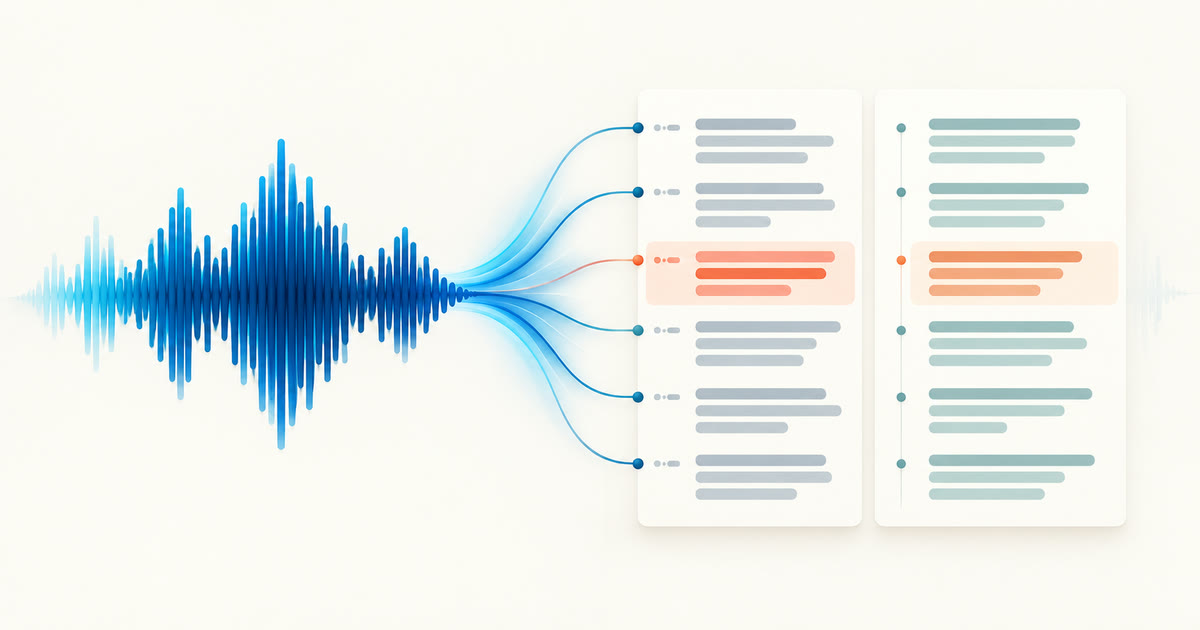
How to Translate an Audio File into a Bilingual Transcript on Mac
Translate a saved recording on Mac, check missing passages, and export a bilingual transcript with the original text, translation, and useful timestamps.

Loom Caption Translation Unavailable? What to Try on Mac
Loom translation missing on Mac? Check native captions, author permissions, and workspace settings before trying a permitted personal bilingual audio view.

Mac Live Captions Miss Names and Technical Terms: What to Try
Names and jargon wrong in Mac meeting captions? Check the source, distinguish hotwords from dictionary replacements, and test a focused vocabulary list.

How to Add Bilingual Subtitles in CapCut on Mac Using an SRT File
Add a bilingual SRT to CapCut Desktop on Mac. Match the final edit, check timing and line breaks, and review the exported video with both languages visible.

Transcribe Voice Memos to Text on Mac: Built-In and Local Options
Turn iPhone Voice Memos or recorder files into a Mac transcript. Try Apple's built-in option first; Alison Workspace's local file workflow needs macOS 15+ and Apple silicon.

How to Generate SRT or VTT Subtitles for Local Videos on Mac
Create subtitle files from local video on an Apple-silicon Mac. Review media-relative timing, export each record, and check the result in your player.

Is There a Mac Equivalent of Windows 11 Live Captions with Translation?
Windows 11 Live Captions can translate any audio on Copilot+ PCs. macOS Live Captions does not translate. Here is what maps to what on a Mac, and how to get system-wide translated captions.

Otter.ai Alternative on Mac for Live Translation and On-Device Captions
Otter is built for meeting notes and summaries. If you need to understand a meeting in another language as it happens, or keep audio on your Mac, here is when an on-device alternative fits better.

Language Reactor Alternative on Mac: Dual Subtitles Beyond Chrome, Netflix, and YouTube
Language Reactor adds dual subtitles to Netflix and YouTube in Chrome. For Safari, other apps, livestreams, podcasts, and videos without a subtitle track, here is what works on a Mac.

How to Follow Japanese VTuber Streams with Live English Subtitles on Mac
Japanese VTuber streams rarely have live English captions. Fan translators, clip channels, and on-device machine captions each cover part of the gap. Here is how to combine them on a Mac.

English Isn't Your First Language? How to Keep Up in Daily Work Meetings on Mac
You understand English but lose the thread when colleagues talk fast. Combine your meeting app's captions, a little preparation, and private bilingual captions on your Mac, and know when to confirm in writing.

Vimeo Videos Without Your Subtitle Language: What to Try on Mac
Check Vimeo CC tracks and the embedded player before trying a personal live translation of permitted video audio on your Mac.

How to Follow Panopto Lectures on Mac When Your Caption Language Is Missing
Check Panopto caption tracks and course materials first, then test personal bilingual captions for permitted lecture playback on your Mac.

Live Captions Show Up, but the Translation Is Missing on Mac: What to Check
Seeing the spoken words but no translated line? Check whether the tool translates, its display mode, source and target languages, and downloaded resources.

Will Others See My Live Caption Overlay When I Share My Mac Screen?
Check screen-sharing scope and the receiver view before presenting with a caption overlay. Local processing and click-through do not establish sharing privacy.

How to Set Up a Floating Live Caption Overlay on Mac
Arrange live original and translated captions above Mac apps. Adjust the window, reading order and click-through behavior, then check full screen and Spaces.

How to Translate a WhatsApp Call on Mac with Live Captions
Use WhatsApp’s Mac call controls first, then test system audio, microphone, or both in Alison Workspace for personal live captions and translation.

How to Translate an In-Person Conversation on Mac with Live Captions
Use a Mac microphone to turn a face-to-face conversation into personal live captions, then add a translation if the language pair is available.

How to Caption a Hybrid Meeting on Mac: Room Voices and Computer Audio Together
Combine Mac playback captions with a selected microphone for in-room voices, then test both sources separately before a hybrid meeting.

How to Translate Telegram Calls on Mac Without a Bot
Check Telegram’s call and message-transcription options, then try live Mac captions without adding a bot if the audio route is accessible.

How to Translate a LINE Call on Mac with Live Captions
Use live captions to follow remote speech on a LINE call from Mac, with a short audio-route test and separate speech and translation settings.

How to Transcribe an MP4 Video to Text on Mac Without Uploading It
Import a readable MP4 on your Mac, review its speech transcript, then export a document or subtitle file without uploading the recording.

How to Transcribe an Interview with Speaker Labels on Mac
Add speaker labels to an interview, check who said each passage, correct assignments and export a reviewed conversation on your Mac.

Practice Listening During a Language Exchange Call on Mac
Use live captions as a light-touch aid during a language exchange, with listening goals, participant consent and a short phrase-review routine.

How to Practice Language Dictation with Audio on Mac
Practice dictation from a short language recording: listen and write first, then compare with a reviewed transcript or a clearly labelled speech-recognition draft.

FaceTime Live Captions and Translation on Mac: What Works and What to Try Next
Check Apple’s Mac captions and Live Translation first, then learn what to check when the language, region, or call type is not covered.

How to Batch Transcribe Audio Files in Different Languages on Mac Offline
Prepare local models, choose automatic detection or language-based groups, then review and export each recording in a multilingual queue.

Viki Subtitles Are Incomplete: What to Check Before Watching on Mac
Check subtitle completion, player settings, and Viki Pass limits before choosing how to follow an episode on Mac.

How to Translate Telegram Voice Messages on Mac While Listening
Understand Telegram voice notes on Mac. Check native transcription and translation, then try a bilingual playback view without manually exporting the audio.

Netflix Is Missing Your Subtitle Language: What to Check on Mac
Check the title, profile, player, and device when a subtitle language is missing, then choose an available viewing route on Mac.

How to Follow edX Courses on Mac When Your Subtitle Language Is Missing
Check edX captions, transcripts, and language choices first. If your reading language is missing, try a personal bilingual audio view on Mac.

How to Study Crunchyroll Anime with Japanese and English Text on Mac
Check Japanese audio and available subtitles, then use a short dialogue scene to compare Japanese expressions with English meaning on Mac.

How to Use Chinese-English Bilingual Subtitles for Bilibili Tutorials on Mac
Study Chinese Bilibili tutorials on Mac with original and English text. Check native captions, follow a bilingual audio workflow, and verify technical terms.
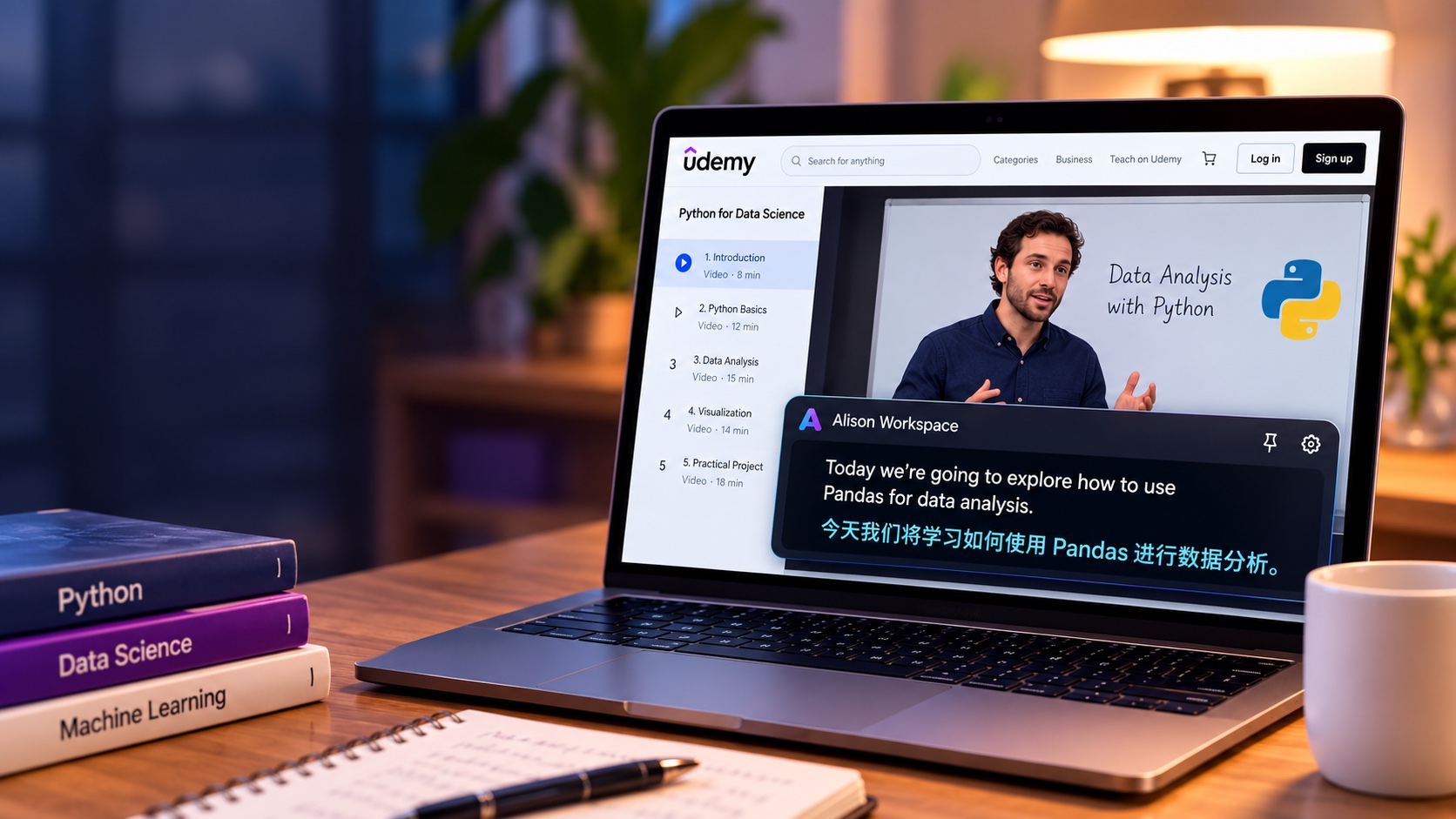
How to Watch Udemy Courses with Live Translated Subtitles on Mac
Learn how to watch Udemy courses with live translated subtitles on Mac when your preferred subtitle language is unavailable. Compare Udemy captions with bilingual live translation.
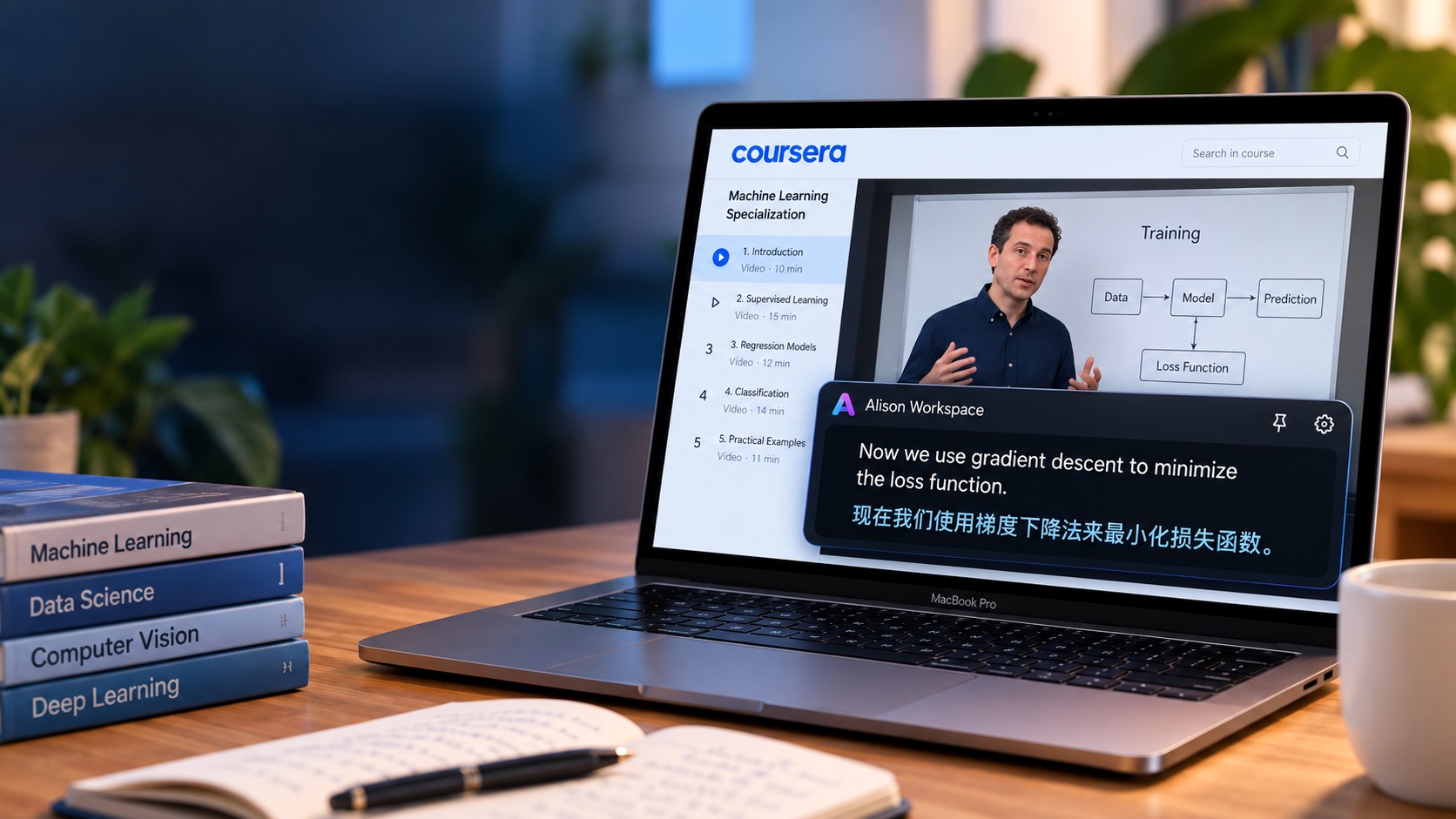
How to Translate Coursera Lectures in Real Time on Mac
Learn how to translate Coursera lectures in real time on Mac. Compare Coursera's built-in translations with live bilingual captions for courses and online lectures.

How to Get Live Japanese Subtitles for English Lectures on Mac
Learn how to show live Japanese subtitles for English lectures on Mac. Use bilingual English-Japanese captions for courses, webinars, university lectures, and technical training.
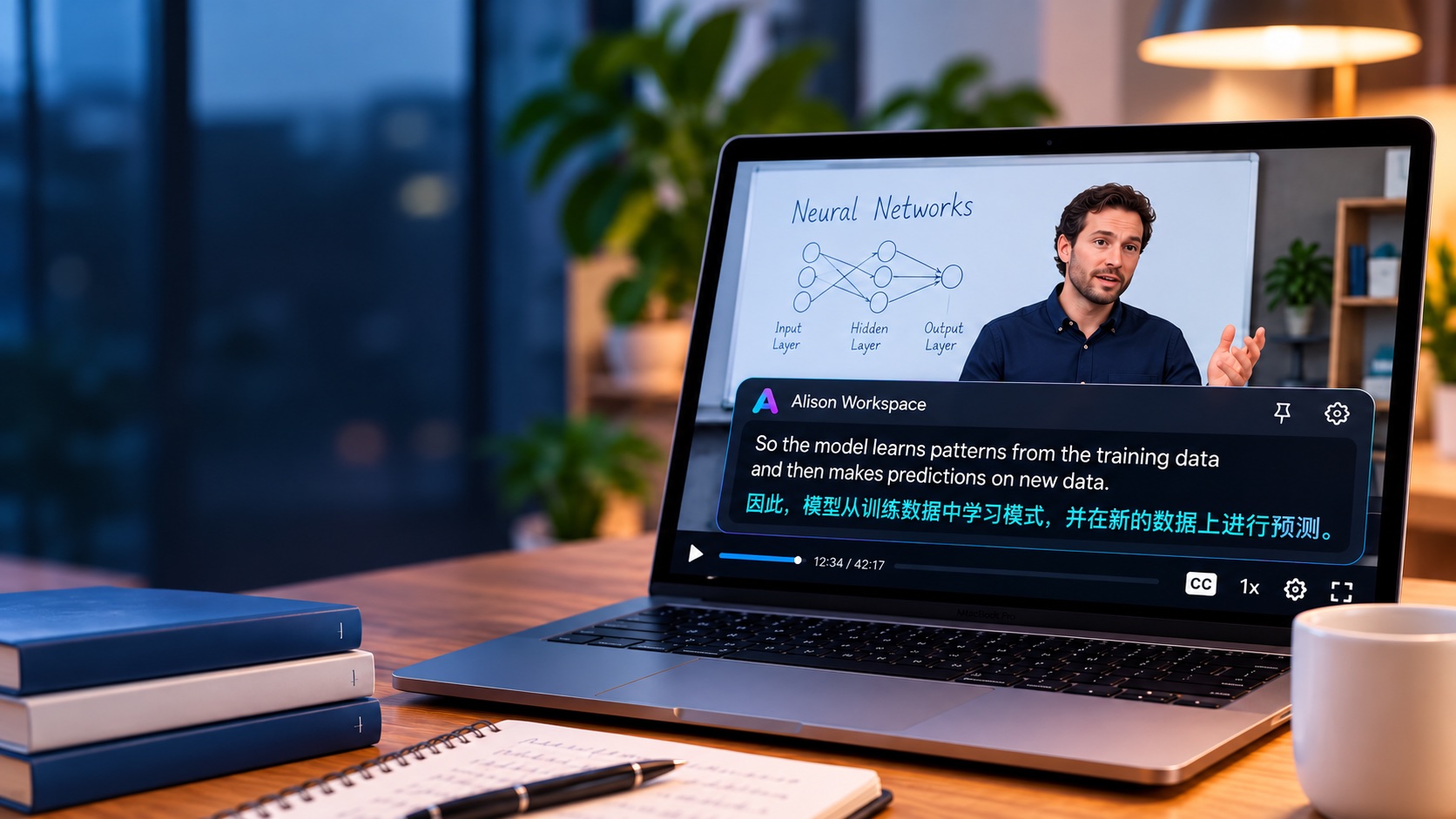
How to Get Live Chinese Subtitles for English Lectures on Mac
Learn how to show live Chinese subtitles for English lectures on Mac. Use English-Chinese bilingual captions for courses, webinars, university lectures, and online learning.

How to Translate a Webex Meeting on Mac Without a Meeting Bot
A detailed Mac workflow for translate Webex meeting on Mac without a bot, including platform choices, language settings, permissions, privacy, and limits.

Translate a Recorded Meeting on Mac Without Uploading the Recording
A detailed Mac workflow for translate recorded meeting on Mac without uploading, including platform choices, language settings, permissions, privacy, and limits.
How to Translate Live Radio on Mac While You Listen
A detailed Mac workflow for translate live radio on Mac, including platform choices, language settings, permissions, privacy, and limits.

Korean Livestream to English Subtitles on Mac
A detailed Mac workflow for Korean livestream to English subtitles Mac, including platform choices, language settings, permissions, privacy, and limits.
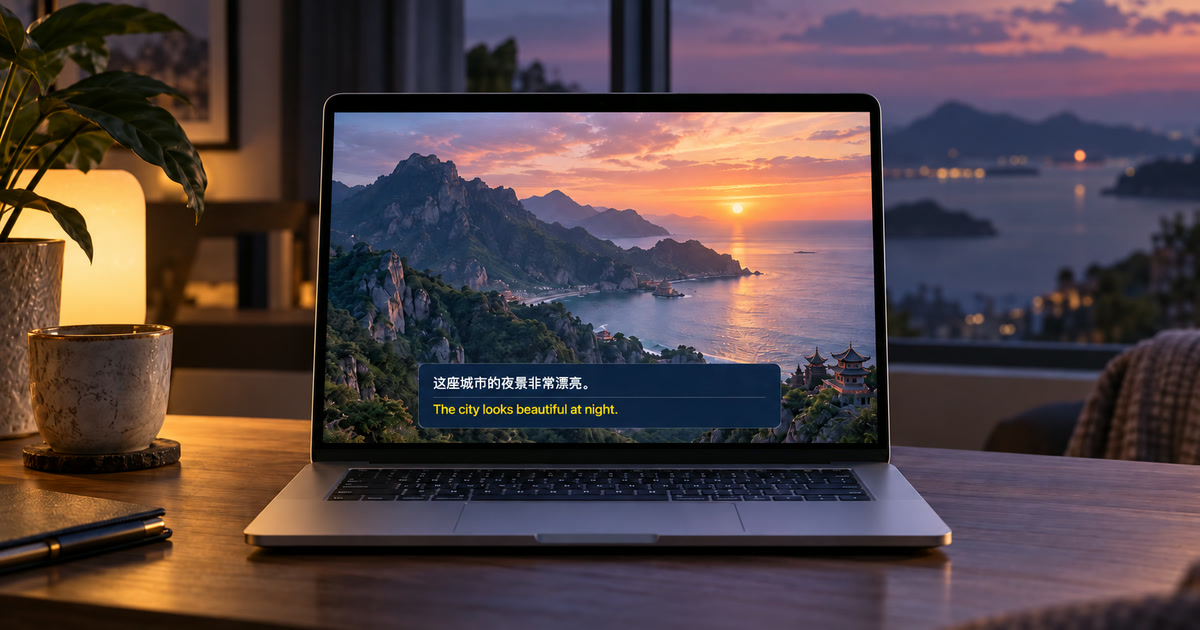
Chinese Video to English Subtitles on Mac While You Watch
A detailed Mac workflow for Chinese video to English subtitles Mac, including platform choices, language settings, permissions, privacy, and limits.
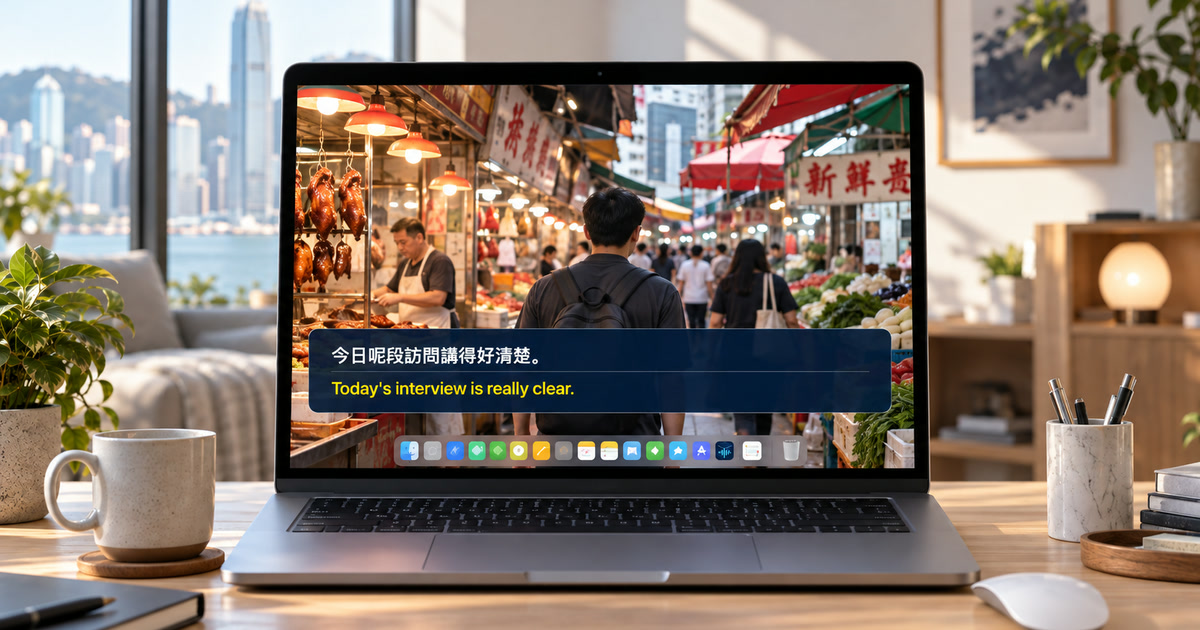
Cantonese-to-English Live Subtitles on Mac: What to Check First
A detailed Mac workflow for Cantonese to English live subtitles Mac, including platform choices, language settings, permissions, privacy, and limits.
Spanish-to-English Subtitles on Mac for Videos and Live Streams
Read Spanish speech in English while a video or live stream plays on your Mac, and learn when existing captions are the better choice.
Zoom Translated Captions on Mac: Do You Need a Paid Add-On?
Zoom's automated captions show the language being spoken for free, but translated captions only appear when the host's account is on Zoom Workplace Business Plus or an Enterprise tier, or carries the Zoom Translated Captions add-on — your own plan does not unlock them in someone else's meeting. Here is the 30-second check, what the Translation setting actually does, what Apple's Live Captions can cover, and how to read personal translated captions for any Zoom call on a Mac.
Google Meet Translated Captions on Mac: Which Workspace Edition Do You Need?
Google Meet's live captions are free for every user, personal Gmail accounts included, but the Translated captions toggle only appears when the meeting is organized by an eligible Google Workspace edition — Business Standard, Business Plus, Enterprise Standard, Enterprise Plus, or Google AI Pro for Education. Here is how to check whose account is missing it, what Speech Translation is instead, what Apple's Live Captions can do, and how to read personal translated captions for any Meet call on a Mac.
How International Students Can Follow English Seminars and Group Projects on Mac
Follow fast English in online seminars, office hours, and remote group projects with original and translated captions on your Mac.
Teams Translated Captions on Mac: Do You Need Teams Premium?
Microsoft Teams shows free live captions in the spoken language, but translated captions come with Teams Premium or Microsoft 365 Copilot — and it is the organizer's or your own license that decides. Here is how to check a meeting, what Apple's built-in Live Captions can do, and how to read personal translated captions for any Teams call on a Mac.
Watch a Downloaded Video with Live Translated Subtitles on Mac (VLC, IINA, QuickTime)
You have an MP4 or MKV in a language you don't speak and no subtitle file. Here is what VLC 3.0.23, IINA, and QuickTime Player can and cannot do, what Apple's built-in Live Captions covers, and how to read original and translated captions while any Mac player plays the file — with the honest limits.
Live Captions on Mac for Deaf and Hard-of-Hearing Users: Apple's Eight Languages, and What Covers the Rest
Apple's built-in Live Captions transcribes any app's audio on an Apple-silicon Mac, on device, in eight languages. If yours is one of them, start there. If it isn't — Portuguese, Italian, Arabic, Hindi, Indonesian, Vietnamese, Turkish, and Thai are not on the list — or you also need translation, here are the platform captions and the system-audio caption app that fill the gap, with their limits stated plainly.
How to Translate a Twitch Stream on Mac in Real Time When Captions Aren’t Available
Watching a Japanese, Korean, Spanish, or other foreign-language Twitch stream on your Mac? Learn how to read personal translated captions when the stream does not provide a usable subtitle track.
How to Translate a Podcast on Mac While You Listen: Spotify, Apple Podcasts, and More
Want to follow a Japanese, Korean, Spanish, or other foreign-language podcast on your Mac? Learn how to show personal translated captions while the episode plays, even when the player has no translated transcript.
How to Translate a Slack Huddle on Mac: Private Live Captions Without a Workspace Bot
Slack Huddles can show live captions, but Slack’s current help says those captions are English-only and not saved after the Huddle. Learn how to read personal translated captions on Mac without adding a bot to your workspace.
How to Translate Discord Voice Chat on Mac Without Adding a Bot
Need to understand a foreign-language Discord call, voice channel, or screen share on your Mac? Learn a personal translated-caption workflow that keeps Discord unchanged and does not send your microphone through a translation bot.
How to Translate Audio in Chrome on Mac: Live Captions, Live Translate, and a Mac-Wide Alternative
Chrome can caption and translate browser audio on Mac, but page translation and audio translation are different. Learn what works, what Chrome sends for translation, and when Alison Workspace is useful for audio outside Chrome.
How to Translate WhatsApp Voice Messages on Mac Without Downloading Audio
Need to understand a foreign-language WhatsApp voice note on your Mac? Learn the difference between transcription and translation, then follow a private playback workflow without downloading the audio file.
How to Communicate Across Languages on Mac with Live Bilingual Captions
Follow calls and meetings with people who speak another language by showing original and translated captions on your Mac. Learn what Alison Workspace can and cannot translate.
Translate Video Audio in Safari on Mac Without Extensions
Get live translated subtitles for Safari videos on Mac with Alison Workspace. Learn setup, headphones, full-screen checks, and what webpage translation does.
Japanese Videos Without English Subtitles? Translate on Mac
Read live Japanese-to-English subtitles on Mac when a video or stream has no English captions. Set up Alison Workspace and check audio, accuracy, and privacy.
How to Use Bilingual Captions for Language Learning on Mac
A practical method for learning with live original and translated captions from videos, online lessons, and other Mac audio.
How to Translate a Live Webinar on Mac Without Host-Provided Captions
An attendee-side workflow for reading a foreign-language Zoom Webinar, Teams town hall, Webex session, or browser livestream with live original and translated captions on a Mac.
How International Students Can Follow English Lectures on Mac with Live Bilingual Captions
Follow English Zoom classes, course videos, and online lectures on a Mac with original and translated captions, while keeping the limits clear.
MacWhisper Alternatives for Real-Time Floating Captions on Mac
Compare MacWhisper, Apple Live Captions, Alison Workspace, Transcrybe, and platform captions by audio source, overlay, translation, privacy, and output—not by a vague best-app ranking.
How to Get Local Zoom Captions on Mac Without a Meeting Bot
A practical, honest guide to Zoom’s own captions, macOS Live Captions, and a private system-audio overlay—plus what local processing does and does not mean for GDPR.
Can Mac Live Captions Translate? Captions vs Live Translation
Learn the difference between macOS Live Captions, Apple Live Translation, and bilingual system-audio captions for videos, meetings, calls, and podcasts.
Meeting Bots vs Local Mac Captions: Which Workflow Fits?
Compare meeting bots, platform captions, and local Mac captions for Zoom, Meet, and Teams—including privacy, audio coverage, saved records, and limits.
Mac Live Caption Languages: Recognition vs Translation
See why spoken-language recognition and translation targets differ, with Alison Workspace’s 101 recognition choices and up to 21 translation targets.
Apple Speech vs Local Whisper on Mac: Accuracy and Latency Tested
We tested Apple Speech and a local WhisperKit base model on the same 30 labeled English clips. Here are the measured word error rate, first-text latency, finalization time, and the reason a Mac caption app may use both engines.
How to Choose a Real-Time Audio Translator for Mac
Compare the main ways to translate audio on a Mac: meeting features, browser tools, built-in captions, and system-audio apps. Learn which questions matter for language pairs, privacy, delay, accuracy, and everyday use.
How to Choose a Live Caption App for Mac: Privacy, Accuracy, and Compatibility
A practical guide to choosing live captions on Mac. Compare system-audio capture, meeting captions, browser tools, language support, privacy, delay, accuracy, and saved text before you download.
How to Take Better Notes from Meetings, Lectures, and Podcasts When You Cannot Listen to Everything
A practical method for turning spoken audio into useful notes without pretending that a transcript is perfect. Capture decisions, evidence, concepts, actions, and open questions, then verify the details that matter.
How to Understand Fast English in Videos and Online Meetings
Fast English is often difficult because of connected speech, weak forms, accents, and missing context—not simply because people speak too quickly. Use this practical routine to improve listening without depending on subtitles.
How to Translate Mac System Audio in Real Time
To translate the sound your Mac is playing, from any app and not just one browser tab, you need a tool that listens to the Mac's audio output, recognizes the speech, and translates it as it plays. macOS does not do this by itself. A system-audio caption app such as Alison Workspace captures what your Mac plays through Apple's Core Audio and shows the original line and its translation together, on device.
Mac Audio to Text: Transcribe Podcasts, Lectures, and Long-Form Listening
Turn podcast and lecture audio into readable live captions, reviewable notes, and a more accessible listening workflow on Mac.
Offline Transcription on Mac: On-Device Speech to Text for Private Audio
Compare local and cloud transcription, prepare an offline Mac workflow, and understand what privacy claims do and do not guarantee.
Mac System Audio Capture: Fix Permissions When Live Captions Do Not Work
A practical guide to Mac system audio capture, Screen & System Audio Recording permission, and the checks that make live captions reliable.
Can Mac Live Captions Work Offline? Permissions, Privacy, and Local Processing
Understand when Mac live captions need the internet, why system-audio permission appears, and how local processing changes the privacy picture.
How to Get Live Bilingual Captions on Mac: 5 Ways Compared
To see the original words and a translation together while audio plays on a Mac, the captions have to be created live and then translated. macOS Live Captions transcribes but does not translate; Chrome, Zoom, Google Meet, and Teams translate only inside their own window, and the meeting apps tie it to paid plans. A system-audio caption app such as Alison Workspace shows both lines for any app, on device.
Live Captions for Zoom, Google Meet, and Teams on Mac: A Practical Meeting Workflow
Learn how to keep a readable caption overlay beside Zoom, Google Meet, or Teams while you listen, present, and follow a shared screen.
How to Get Live Translated Subtitles for YouTube on Mac
YouTube has no CC track or Auto-translate option on your Mac? Check the video’s native choices, then test personal translated captions from accessible playback audio.
Live Subtitles for Mac: Caption Audio from Videos, Meetings, and Apps
If you want live subtitles for a video, meeting, or podcast on your Mac, first check whether the app already offers captions.
Getting Started with Alison Workspace
Set up live bilingual captions on your Mac in a few simple steps.
How Live Captions Work on Mac
Turn videos, meetings, streams, and local media into readable text without changing the app you use.
Can You Translate Any Video on Mac? What Works While It Plays
You can translate many videos on a Mac, but “any video” is too broad a promise.
What On-Device Transcription Actually Means
Understand where audio, captions, models, and language resources live in a local-first workflow.
Use Live Captions in Online Meetings on Mac
Keep fast calls readable across Zoom, Meet, Teams, and browser meetings with one Mac-level overlay.
Why Mac Caption Apps Need System Audio Permission
Learn what Screen & System Audio Recording authorizes and what Alison Workspace actually captures.